
Turn your LinkedIn into a job-ready resume
Import your LinkedIn profile, edit everything in a clean editor, and export a professional PDF in minutes.
- Fast & easy
- Editable resume
- Professional templates
- PDF, DOCX & more

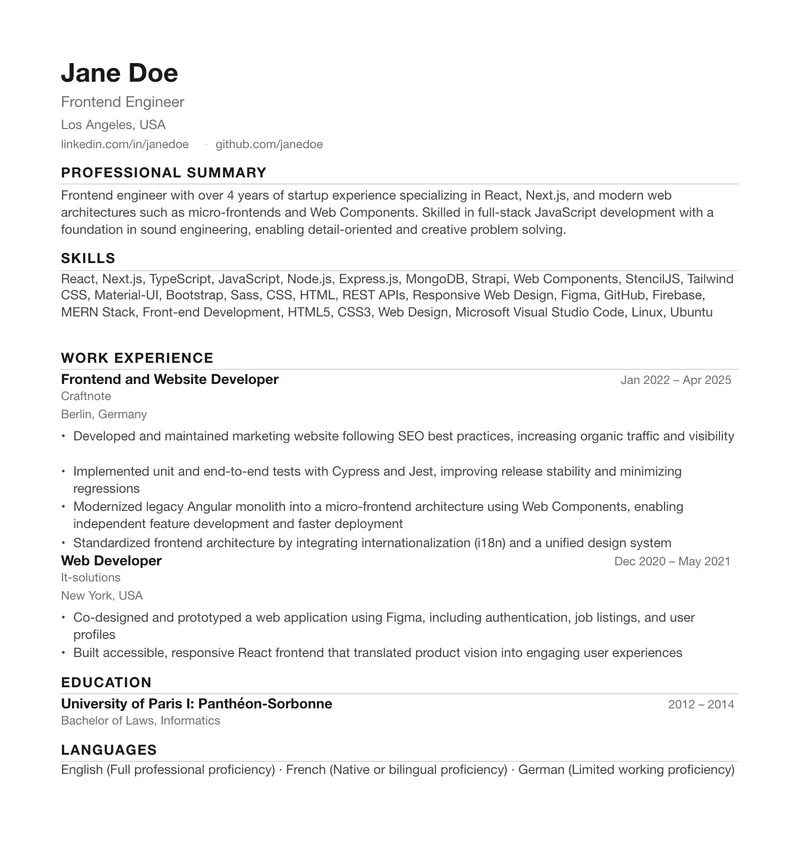
Already have your LinkedIn PDF?
Turn it into a beautiful, editable resume. Just upload your LinkedIn PDF and customize it in our editor.
Want one-click import instead? Get the Chrome extension →
How to turn your LinkedIn profile into a resume
Two ways to start — pick the one that suits you, then edit and download.
Option 1: Upload LinkedIn PDF
- Download your profile PDF from LinkedIn.
- Upload it to ExportMyResume.
- Edit and download your resume.
Option 2: Use Chrome Extension
- Install the extension.
- Open your LinkedIn profile.
- Import your profile into the resume editor.
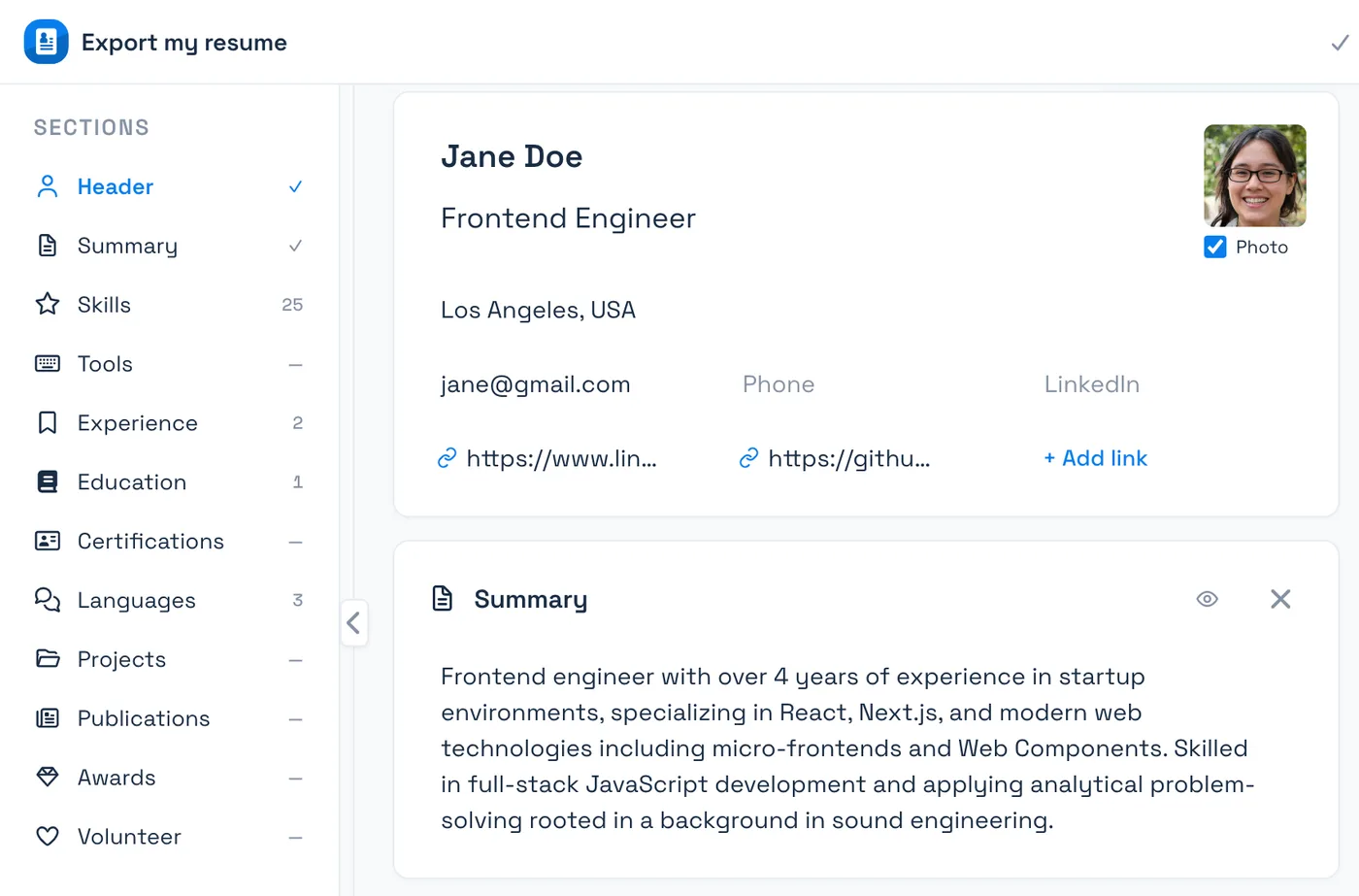
Edit your resume with full control
Make it truly yours. Edit any section, rewrite with AI, reorder content and see changes in real time.
- Edit every field and bullet point
- Improve with AI (optional)
- Reorder or hide sections
- Live preview
- Optimized for ATS and recruiters
ATS-friendly resumes built for real job searches
Clean, text-based resume formatting designed to stay readable by applicant tracking systems and easy to scan by recruiters.
- ATS-optimized templates
- Clean, semantic structure
- No unnecessary graphics
- Used by job seekers worldwide
- Proper section structure
- Standard fonts
- Readable by ATS systems
- Clean formatting
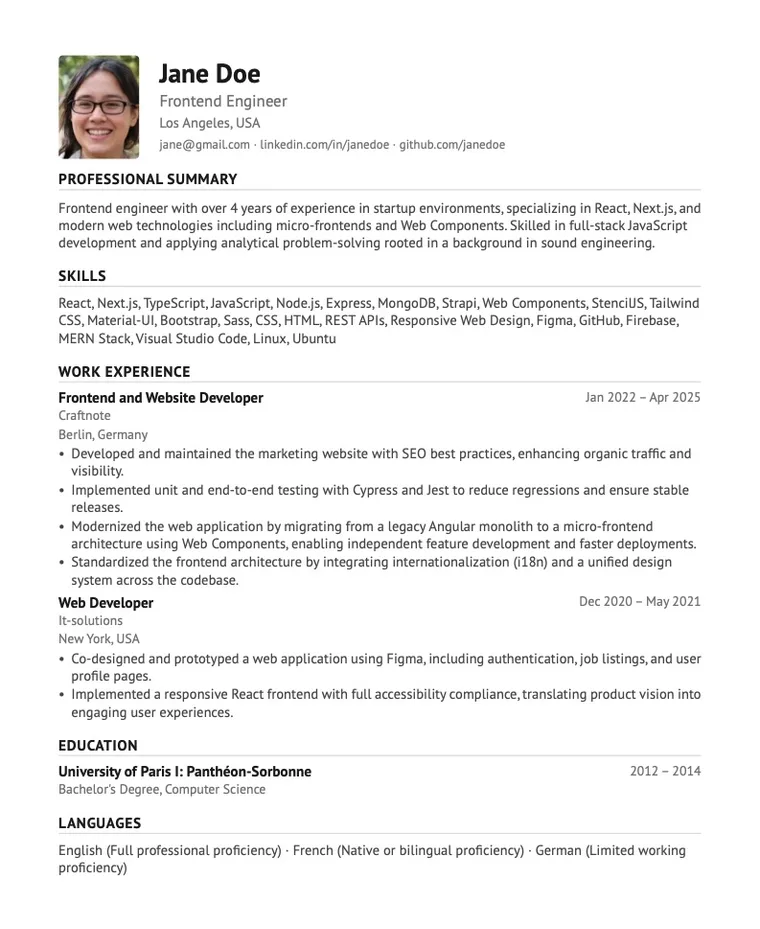
Export your resume to PDF, DOCX and more
All formats are free during our launch month. Sign in for watermark-free PDF, DOCX and PNG. JSON and TXT need no account.
AI tools that make your resume stronger
Create better resumes, faster. Use AI to refine, tailor, and manage versions — all in one place.
Multiple resume versions
AI Resume Enhancer
AI Tailoring for a job
A LinkedIn resume builder with full editing control
Import your LinkedIn profile, edit every section in a dedicated resume editor, customize the layout, and export an ATS-friendly resume as PDF, DOCX, PNG, JSON or TXT.
Import your LinkedIn profile
Edit every part of your resume
Customize your resume layout
ATS-friendly resume formatting
Local-first editing
Export to PDF, DOCX and more
Our launch month — all resume tools are free
Create resumes, save versions and download files without paying.
Usual prices — on pause
Everything you need for your resume
- Watermark-free PDF, DOCX and PNG after sign-in
- TXT and JSON without an account
- All resume versions and design settings
- Up to 30 AI improvements per day after sign-in
30 AI requests per day are included. Increasing your limit to 400 is a paid upgrade. Increase AI limit
Everything you need to know
Is ExportMyResume affiliated with LinkedIn?
▾
No. ExportMyResume is an independent tool and is not affiliated with, endorsed by, or connected to LinkedIn in any way.
Can I import someone else’s LinkedIn profile?
▾
No — you can only import your own profile. For privacy and security, ExportMyResume only works on the LinkedIn profile you are signed in to and viewing; importing other people’s profiles is not supported.
Is this allowed by LinkedIn?
▾
The extension reads only your own profile, in your own session, when you click Export. It automates nothing, never sees or asks for your password, and is not affiliated with LinkedIn.
Can this affect my LinkedIn account?
▾
No. We read the page the way you see it, one profile at a time, and perform no actions on your behalf — no connecting, messaging, or clicking. Your login and session are never touched.
Which formats can I export?
▾
PDF, DOCX, PNG, JSON, or plain TXT — whatever format the application or recruiter requires.
How does ATS-friendly formatting help?
▾
Clean, machine-readable formatting ensures applicant tracking systems can parse every section of your resume correctly, so nothing gets lost.
Do you save my data?
▾
Your resume is processed locally in your browser. When you run AI Enhancer, your resume text, editing instructions, an optional job posting and your answers to our questions are sent to our server and the selected AI provider (OpenAI/GPT, xAI/Grok or Anthropic/Claude), with requests also routed through OpenRouter when enabled. Retention and use for model training by AI services depend on OpenRouter account settings and provider policies. Prompts you choose to save are stored in your account for reuse across devices. Some export formats are generated on our server. Signed-in resumes and saved prompts are stored securely and can be deleted with your account. We never sell your data.
Can I edit the content after importing?
▾
Yes. You can fine-tune every field, rewrite bullet points, and reorder sections before exporting your final resume.
What happens after launch month?
▾
The offer applies to everyone during our launch month. Regular paid terms may return afterward. Free access needs no card and never triggers an automatic charge. After sign-in, 30 AI requests per day are free; optional paid Pro with 400 requests per day is purchased separately.
Create your resume today
Import your own LinkedIn profile, edit every section and export the file the application asks for.
 Get free Chrome extension→
 Guides for better resumes
Tips, tutorials and resources to help you land your next job.